
Steps to Author Tile Component:
Step 1: Click on drag components here, and click on + icon to add the component on page.

Tile Component





Steps to Author Tile Component:
Step 1: Click on drag components here, and click on + icon to add the component on page.

Step 2: Search and select tile component from dropdown list and then drag and drop it onto the desired location on the page.

Step 3: Click on the highlighted icon to configure the component.

Step 4: Author the tile component as shown below


Authoring Fields
| Authoring Field | Description |
| Image asset | Image can be author from the Dam path |
| Alt Text | This field is used as a alternative text for the image |
| Title | It is used to display the title |
| Description | It is used to display the description on the page |
| Links | |
| Link Text | This field is used to display the link text on the page |
| Link URL | If authored user can click on the authored url |
| Open in new Window | If check url will open in new tab |
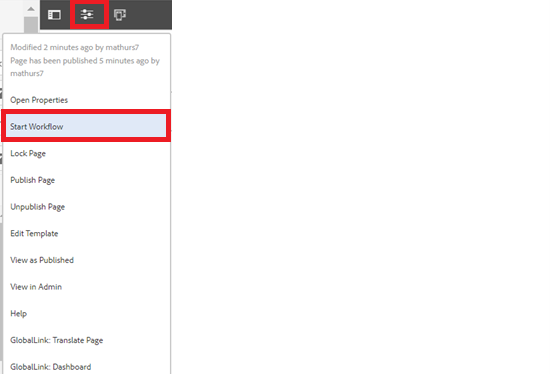
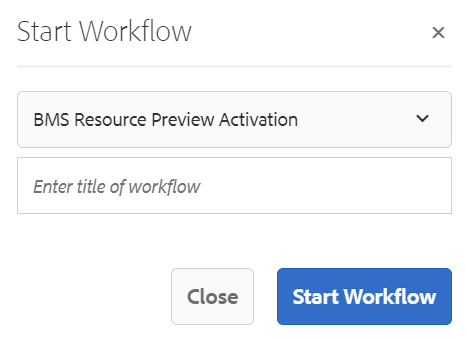
Step 5: After authoring all the fields, start workflow as shown below.
Example : Tile Component

