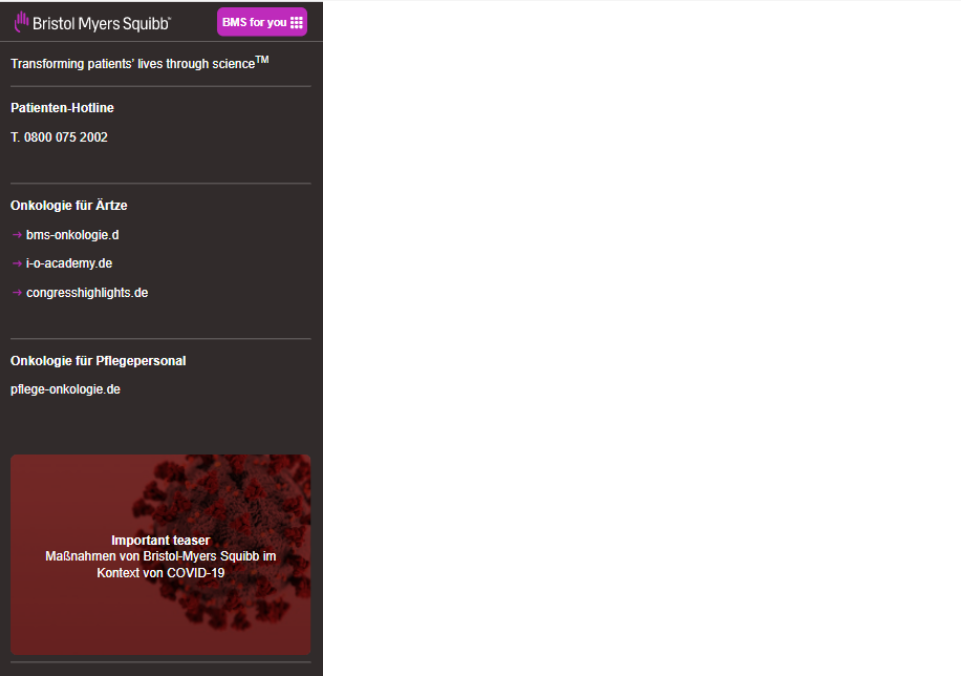
Step 1: Click on the highlighted icon to configure the main navigation component on locale page.
Universal Navigation Component
Universal Navigation Component





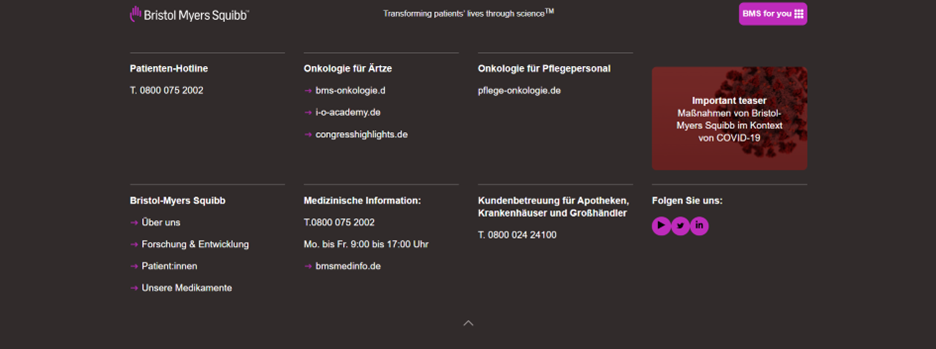
The Universal Navigation Component is the top-most section of your webpage. It includes BMS branding.
Step 1: Click on the highlighted icon to configure the main navigation component on locale page.

Step 2: Authoring of Placeholder text tab and universal navigation–Title, Content need to be configured on locale page for all 8 tiles by navigating to them.
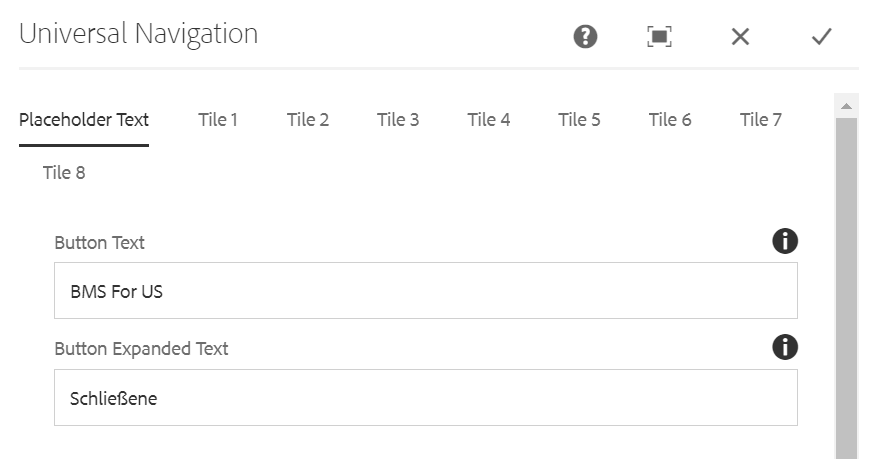

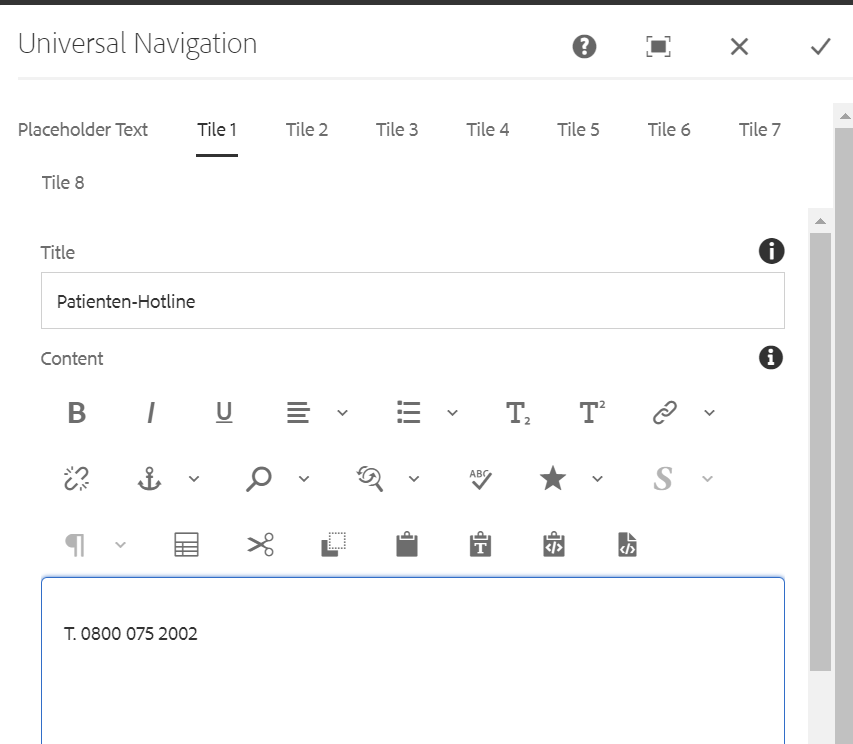
Authoring Fields:
| Field name | Description |
| Placeholder Text | |
| Button Text | This field is text authoring field for authoring button text label |
| Button Expanded Text | This field is text authoring field for authoring button expanded text label when universal navigation expanded |
| Expanded Logo | Expanded logo Image can be authored from dam that needs to be displayed. when navigation is expanded |
| Collapsed Logo | Collapsed Image can be authored from dam that needs to be displayed. When navigaition is collapsed |
| Text | This field is text authoring field for authoring text |
| Tile Tabs | |
| Title | This field is text authoring field for authoring title text on top of the tile. |
| Content | This field is text authoring field for authoring title text on bottom of the tile. Italics, bold, underline, symbols, hyperlinks, superscripts, and subscripts are supported. |
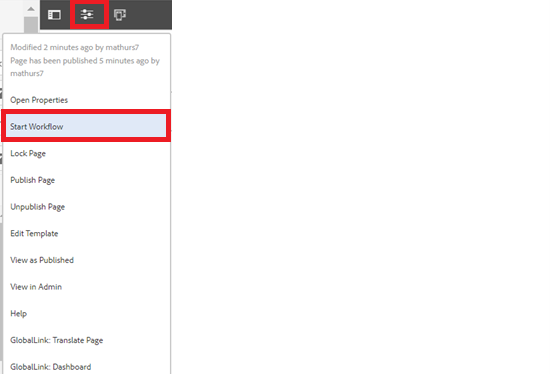
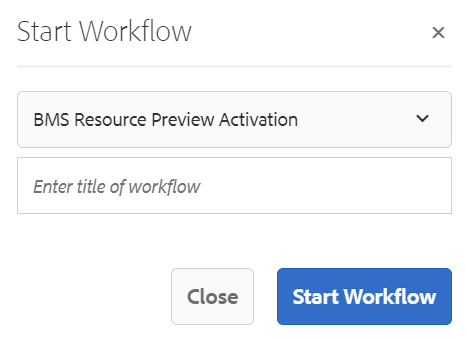
Step 3 : After authoring all the fields, start workflow as shown below.
Desktop View:
Mobile View: